WorkWave Mobile1.8.2
Publisher Description
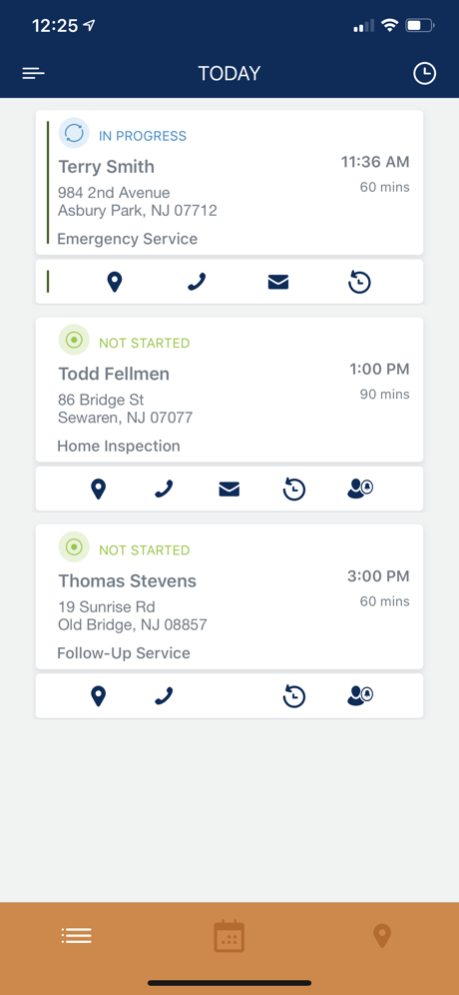
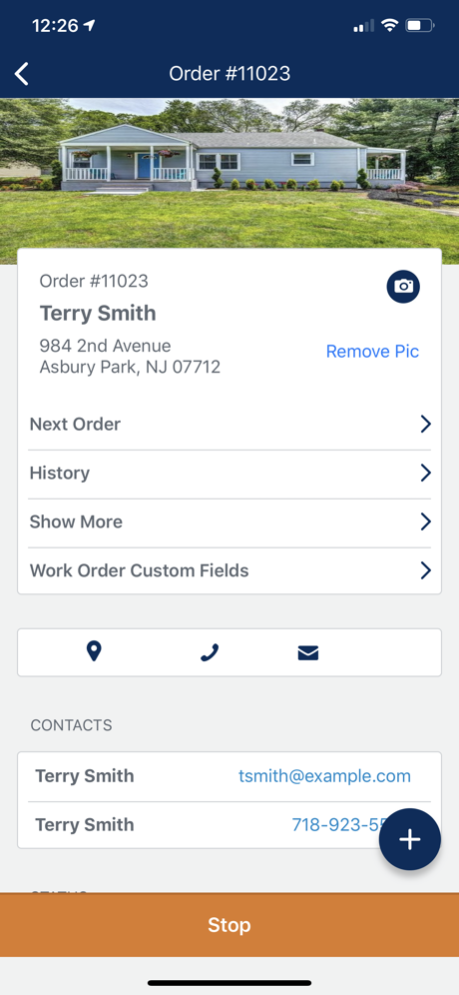
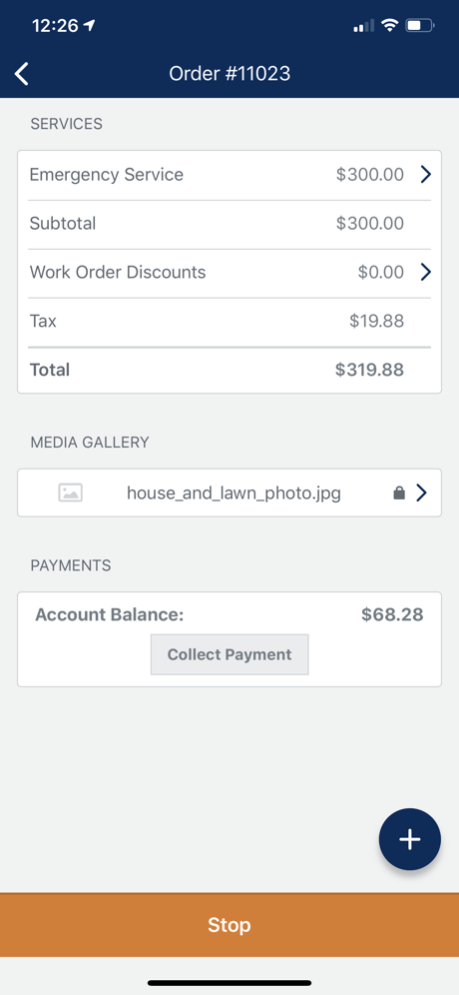
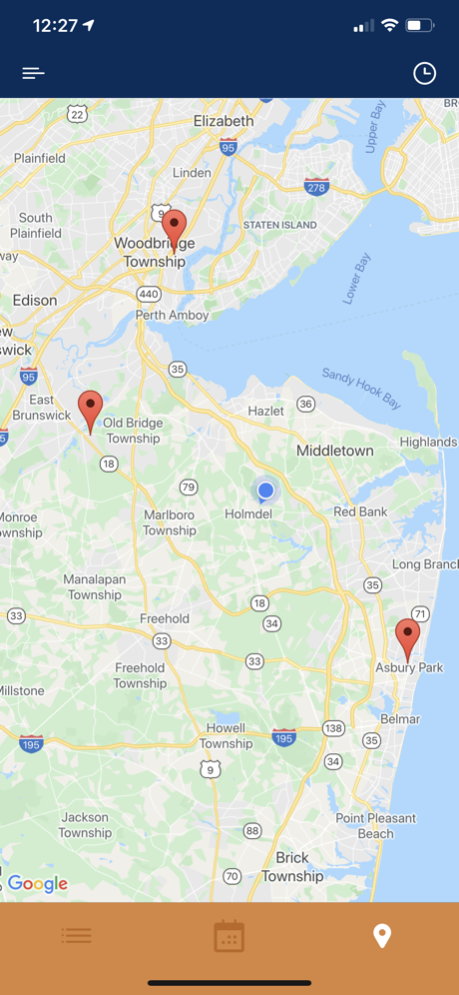
The WorkWave Mobile application lets your technicians and crews connect seamlessly with the office and easily manage their schedule through an intuitive, easy-to-use interface.
Provide full access to customer account information, work order history, service location photos and sketches, and work order notes. With one tap, technicians can call or email a customer and even get directions to their next appointment.
Technicians can also capture new leads in the field, up-sell service offerings, time in and out of work orders, and record timesheet events, such as breaks.
Aug 8, 2024
Version 1.8.2
• When a work order is assigned to a team, the team’s name will now display on the work order
• PDFs that have been uploaded by WWS web are now displayed within the media gallery
• Bug fixes and performance improvements
About WorkWave Mobile
The company that develops WorkWave Mobile is WorkWave LLC. The latest version released by its developer is 1.8.2.
To install WorkWave Mobile on your iOS device, just click the green Continue To App button above to start the installation process. The app is listed on our website since 2024-08-08 and was downloaded 5 times. We have already checked if the download link is safe, however for your own protection we recommend that you scan the downloaded app with your antivirus. Your antivirus may detect the WorkWave Mobile as malware if the download link is broken.
How to install WorkWave Mobile on your iOS device:
- Click on the Continue To App button on our website. This will redirect you to the App Store.
- Once the WorkWave Mobile is shown in the iTunes listing of your iOS device, you can start its download and installation. Tap on the GET button to the right of the app to start downloading it.
- If you are not logged-in the iOS appstore app, you'll be prompted for your your Apple ID and/or password.
- After WorkWave Mobile is downloaded, you'll see an INSTALL button to the right. Tap on it to start the actual installation of the iOS app.
- Once installation is finished you can tap on the OPEN button to start it. Its icon will also be added to your device home screen.
Program Details
System requirements
Download information
Pricing
Version History
version 1.8.2
posted on 2024-08-08
Aug 8, 2024
Version 1.8.2
• When a work order is assigned to a team, the team’s name will now display on the work order
• PDFs that have been uploaded by WWS web are now displayed within the media gallery
• Bug fixes and performance improvements
version 1.8.1
posted on 2024-05-28
May 28, 2024
Version 1.8.1
• Bug fixes
• New photo and video icons in the Media Gallery
• New offline alert handling when attempting to open media
• Updates to the payment processing screen
• Streamlining sending forms through Form Manager
Check out the full release notes on the community page
version 1.8
posted on 2024-03-27
Mar 27, 2024
Version 1.8
Bug fixes and performance improvements
version 1.7.11
posted on 2023-12-04
Dec 4, 2023
Version 1.7.11
This release includes:
• The ability to add video files to leads
• A new banner to alert users when a work order has been successfully completed
• Users with the ability to only view notes will now be able to click and open the full note on the mobile app
Check out the full release notes on the community page.
version 1.7.9
posted on 2023-09-18
Sep 18, 2023
Version 1.7.9
This release includes the ability to add video files to Lead details screen, some small changes to uploaded file requirements and updated work order cards.
Check out the full release notes on the community page.
*Note: This release also includes updates to the minimum version requirements for iOS. The minimum supported version for the mobile app is now iOS 14. Users with older versions will still be able to access the app but will not be able to update to any future versions.
version 1.7.8
posted on 2023-07-05
Jul 5, 2023
Version 1.7.8
Included in This Release:
• Resolved issue where time out button was behaving as timed in
• Resolved issue that was causing calendar to sometimes go blank
• Resolved an issue that was causing crashes when logging in
For more information, check out the full release notes on the community page!
version 1.7.7
posted on 2023-06-12
Jun 12, 2023
Version 1.7.7
• Signatures that are captured via the mobile app will now display the signature date along with the actual signature on customer facing documents such as service reports
• Bug fixes and stability improvements
